 Back to all Cases
From Comparing Excel Files by Hand to a Change Report: Adding AI to a Manual Workflow
Not every process needs AI, but some have one step that is hard to automate any other way. A pricing desk keeps pricing data up to date from many lenders. Every day the lenders’ pricing adjustments arrive as Excel and PDF files, each laid out differently, and a specialist compares today’s file with yesterday’s to find what changed. ASD Team added AI to one narrow step, finding where the tables are, and used ordinary code for everything else. The specialist now receives a report that shows what to add, update, and remove, instead of searching for the differences by eye.
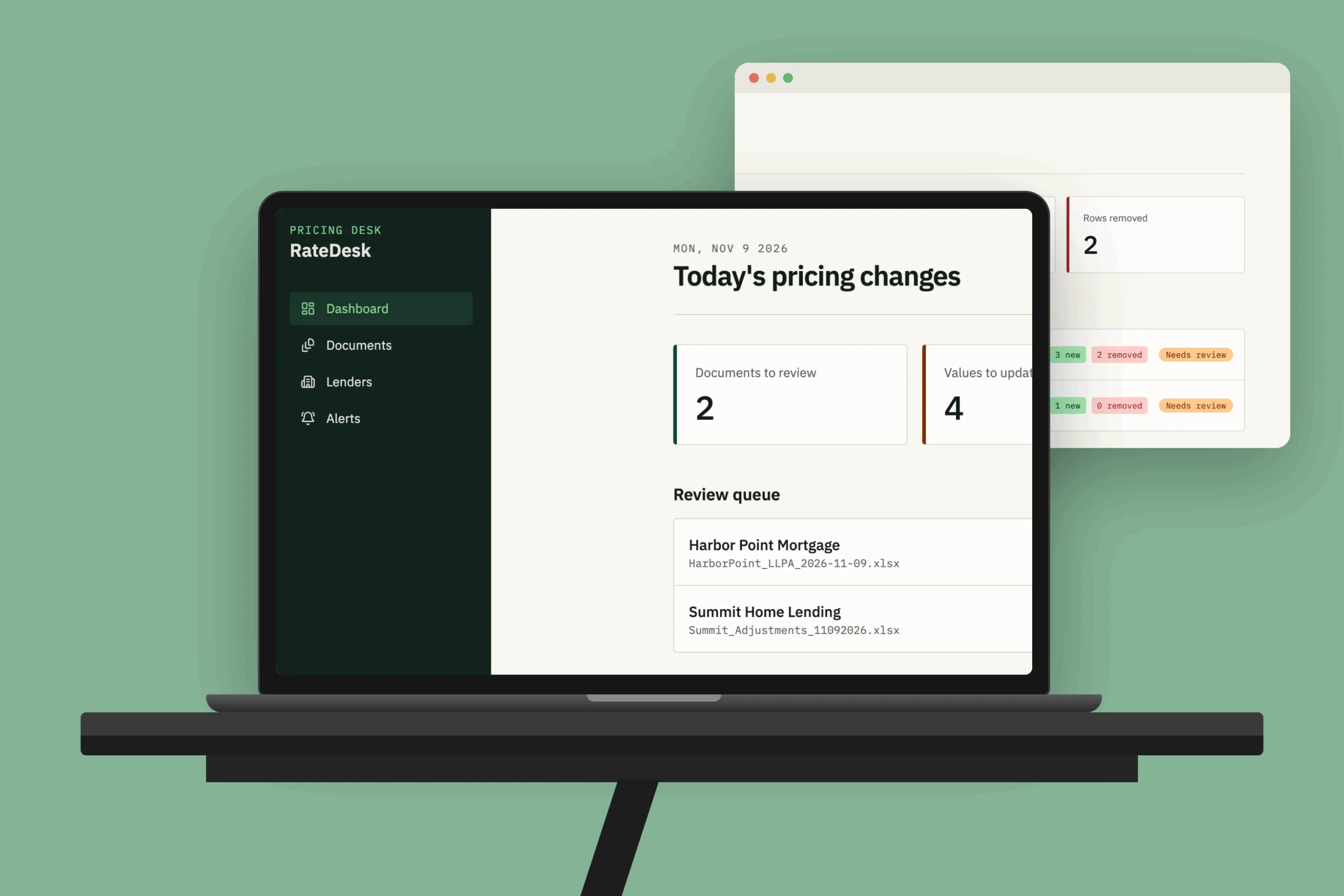


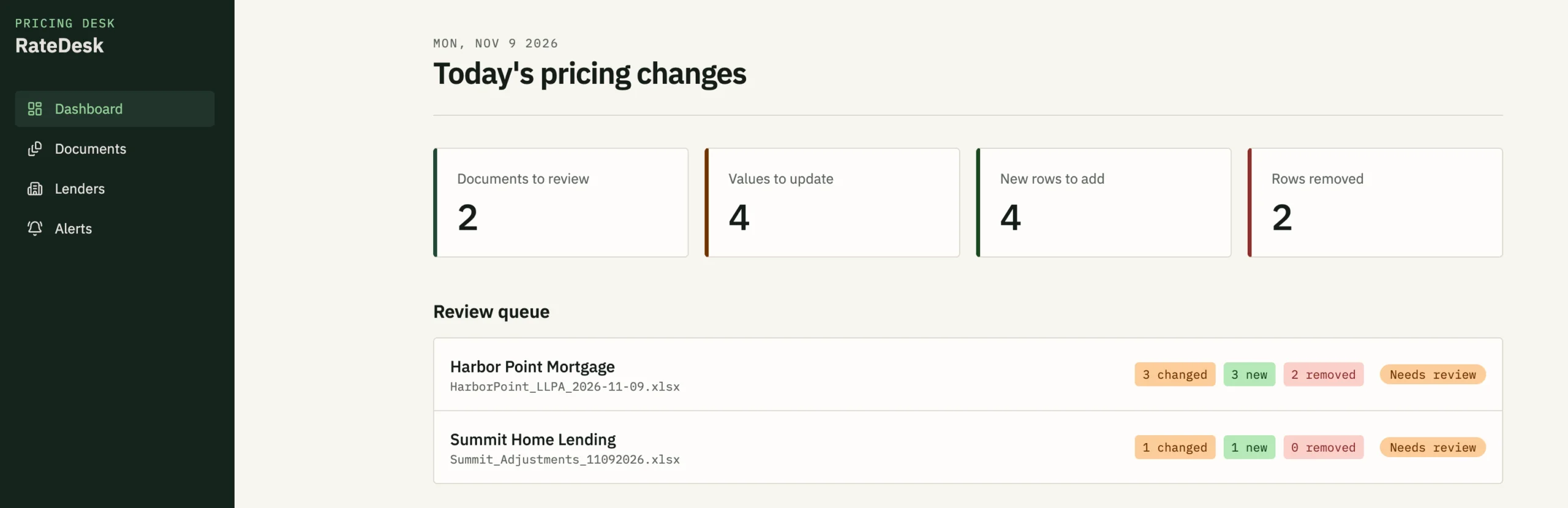
The pricing desk works with a large number of lenders. In one group alone, there are around 30 lenders, and each one has at least 5–6 programs. Every day, the pricing adjustments in each lender’s documents have to be checked and the database updated.
The routine was fully manual. The data entry specialist downloaded the documents from lender websites or from email, opened today’s file next to yesterday’s, and looked for differences, row by row. Then they entered the changes in the database. A single document can have hundreds of rows, and each lender sends its own format.
The more adjustments there were, the more time managing them took, and a question had always been present: how can we be sure nothing was missed when someone checks hundreds of rows every day with their eyes?
The comparison itself is a simple task for code. The hard part is finding the data. Every lender lays out its tables differently, so reading the files would need a separate parser for each lender, which is costly to build and to maintain. This is the one step where AI makes sense, because it can recognize where the tables are in a layout it has never seen.
The team also had to think about AI’s weak spot. It can make mistakes and can behave unpredictably, so the result needed to be visible and checkable.
Step 1: Download automatically and start the analysis on arrival
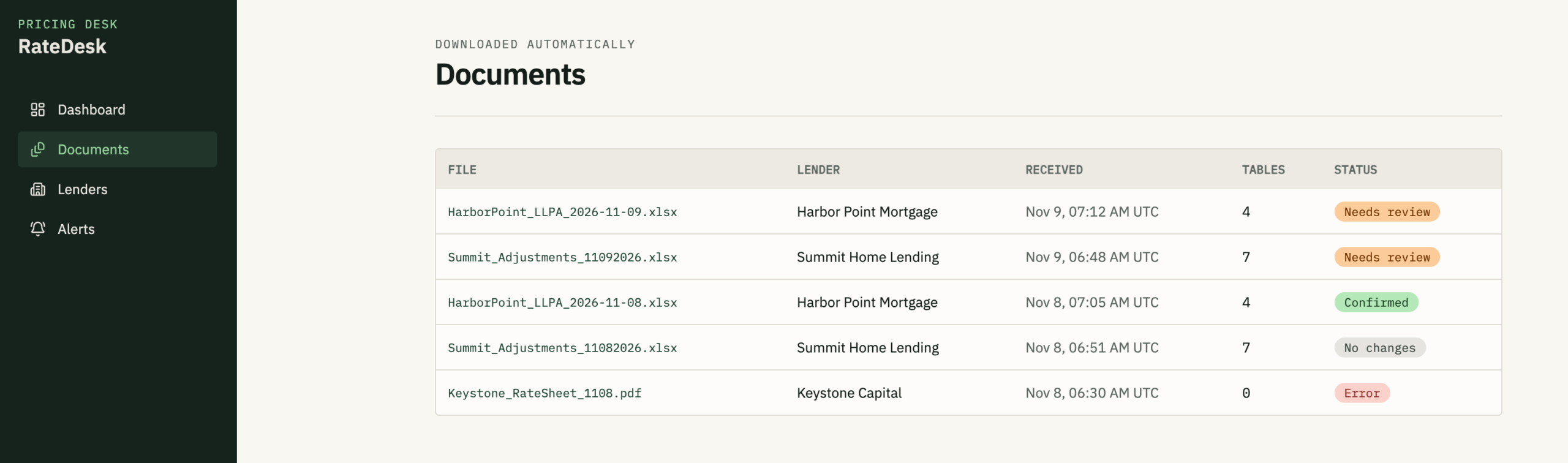
Documents are downloaded automatically. When one arrives, the analysis starts by itself. Nobody has to watch for new files.
Step 2: Use AI for one thing only
For each page, the document is converted into text that keeps the structure of rows and columns. The AI reads it and returns the coordinates of the tables. From there, code takes over: it pulls out the values and compares them with the previous version of the same document. Both the extraction and the comparison are ordinary, predictable code.
Step 3: A report that shows what to do
If anything differs from the previous version, an email goes to the data entry specialist with the analyzed document attached.
- Gray: read and saved, unchanged. This is for transparency, so that any misses by the AI can be spotted.
- Orange: the item existed before and its value changed, so the specialist updates it.
- Green: new data to add to the database.
The email also lists the adjustments that were removed. A removed row can’t be highlighted in the new document because it no longer exists, so for now they appear as a list.
Step 4: Keep a person as the final check
The tool gives information, and the specialist confirms it. Because every cell the AI recognized is marked, the specialist can scroll through the document and see at a glance if something was missed. If a row is not highlighted, it’s a signal to check it by hand.
Step 5: Test on real documents with the person who will use it
We started with a complex document that has many tables and rarely changes, which is safe for testing. Then we added a document from another lender that changes more often and has a different data format. The tool needed some adjustment for it, and works acceptably, with more to do. The specialist’s feedback, including what was inconvenient and what suited them, came back into the next version.
Step 6: Deploy safely, in steps
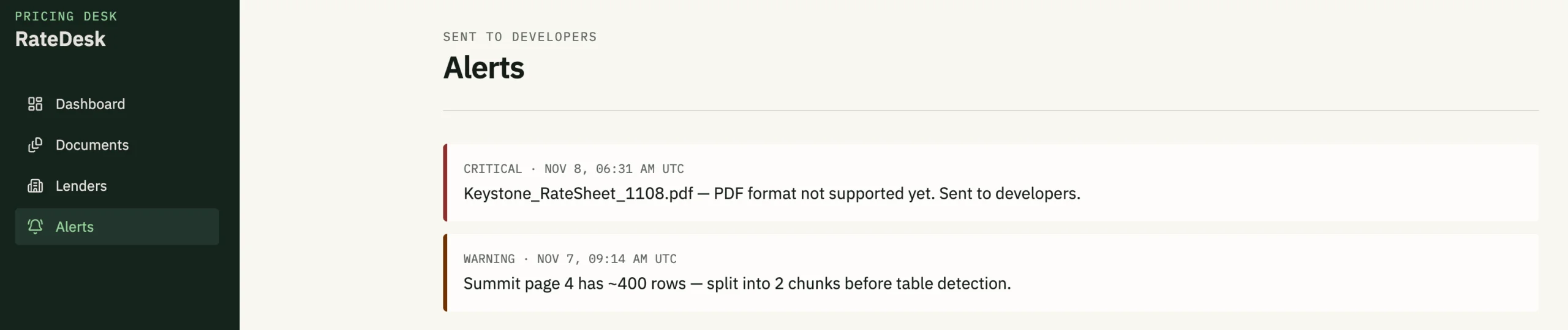
At first the tool ran on the developer’s own machine. Moving it to a server needed the client’s approval, which took several weeks. Once it came, the AI was set up on a separate server user, restricted to a single working folder, so it can’t reach anything else. The project passes a document to it, and receives the results. The team also set up an email alert to the developers for critical errors.
- Automatic download of lender documents and automatic start of analysis
- AI-based detection of table locations in Excel files
- Comparison of each document with its previous version
- A color-coded report by email: unchanged, changed, new, plus a list of removed adjustments
- Critical error alerts to the development team
- A restricted AI environment on the server
- Support for documents from two lenders with different formats so far
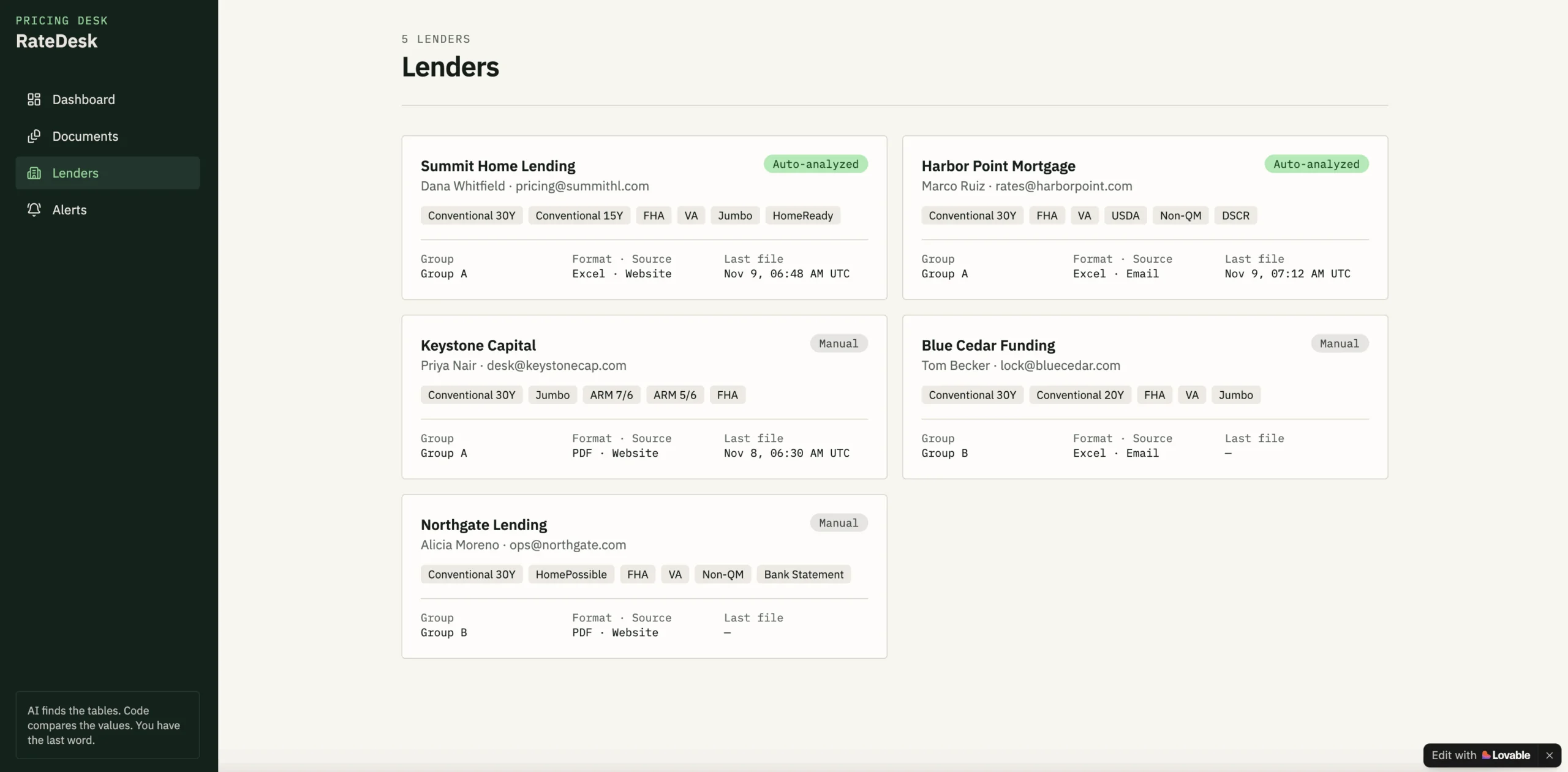
The tool has run on the server since November 2026, and the basic functions have been tested there. It has been tried on a few documents, with up to around 120 rows per page. At this stage, the work is on making the AI’s output more predictable, because it occasionally misses a result.
- Support for more lenders and formats, and for PDF files
- Larger pages. Some documents have about 400 rows per page, which can exceed what the AI can read at once, so they need to be split sensibly.
- A simpler setup on the server. Today the AI runs as a separate always-on service, which is one more thing to monitor. A better design would start it only when a document arrives.
- Marking removed adjustments inside the document
AI works best on the step that needs flexibility, and everything around it should stay simple and visible. Here, AI finds the tables. Code extracts and compares the values. The report shows what the AI read, and a person has the last word. That keeps the benefit of AI, which is not having to build a parser for every lender, without trusting it blindly.
- AI feature design and development
- Document processing and comparison
- Reporting and alerts
- Secure AI deployment on the client’s server
- Testing with the end user