 Back to all Cases
Making AI Code Work: Taking a Meta Ad Platform to Stable Releases
Advertising agencies often prepare and publish ads one by one inside Meta’s own tools. A UK digital agency wanted a platform where agencies set up their ads in one place, press publish, and see them go live on Meta automatically. The client had started building it with AI coding tools (Vibe-Coding) and came to us when it wasn’t working reliably. ASD Team stabilized delivery, fixed the Meta integration, and added the roles and data separation that an agency product needs.
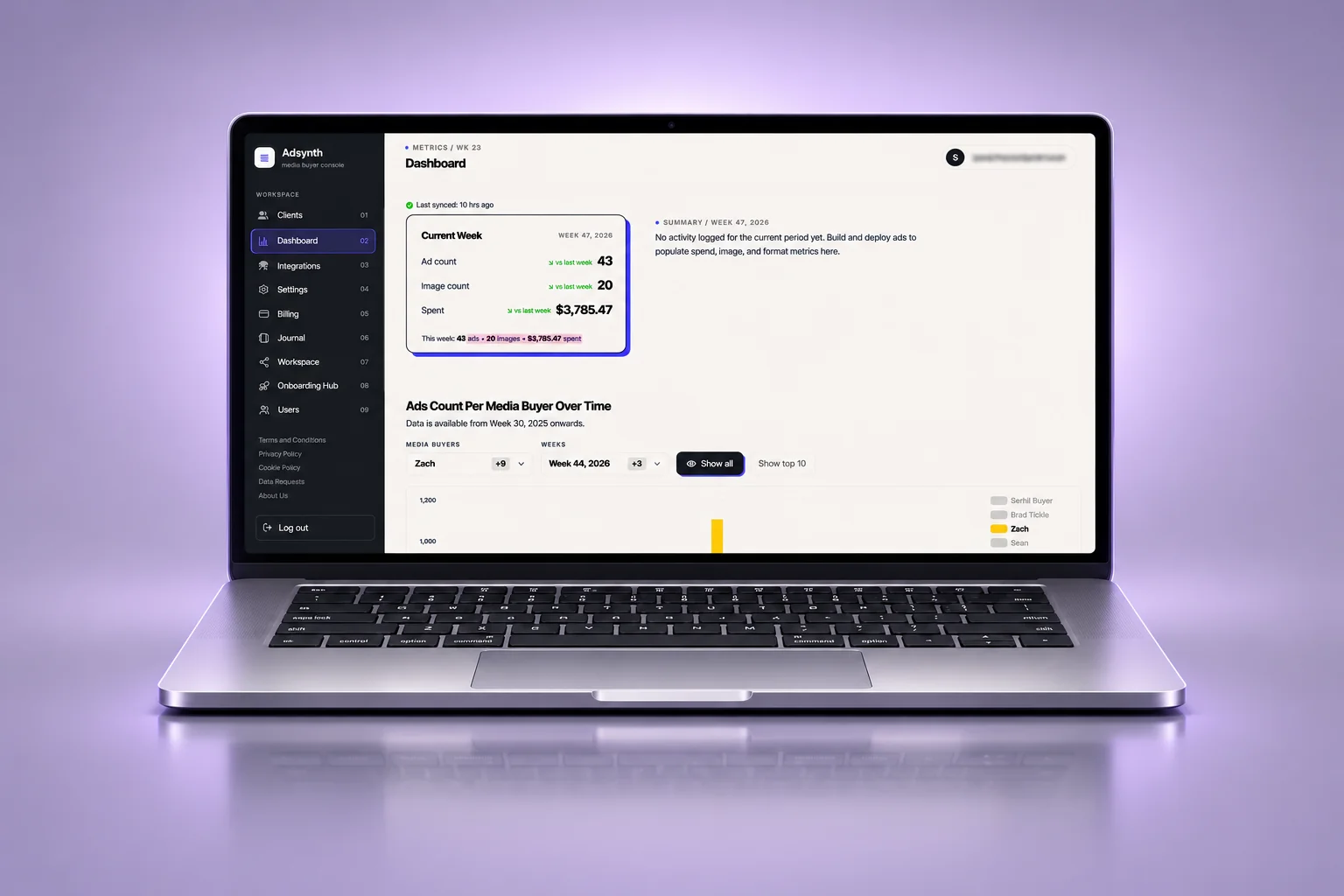


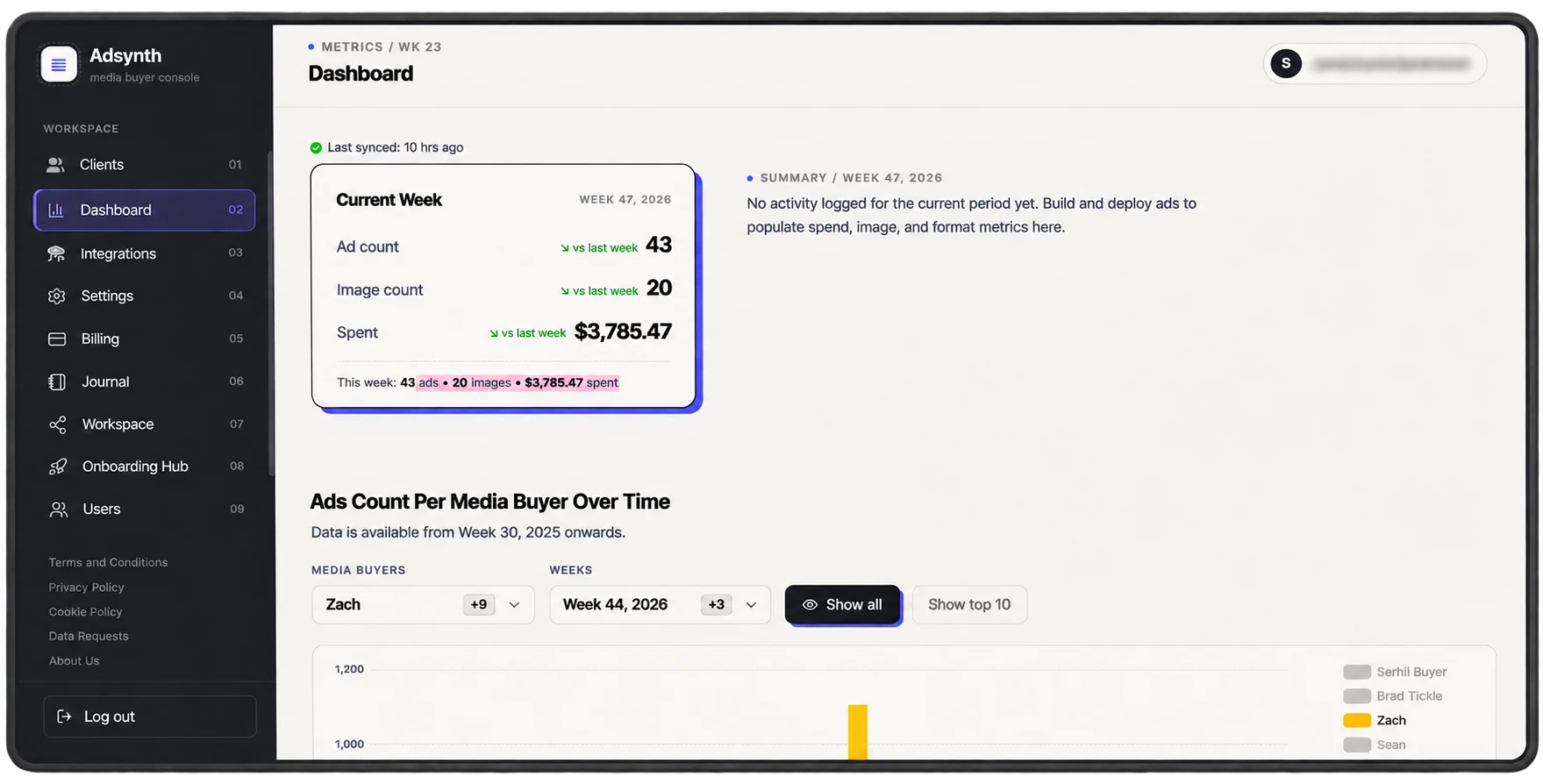
The platform lets an agency upload creative material, for example, a carousel with six images, set tags such as when, where, and for which product, and publish it. Everything is then sent to Meta in one go.
The product came to us in a state where this core flow didn’t work reliably, and deliveries had been missing their dates.
- Uploading ads to Meta succeeded about once in ten attempts.
- It was hard to tell why. There were no logs showing which limits were being hit, and access tokens for Meta’s API weren’t handled reliably.
- There was no demo environment and no regular release schedule.
- Less than half of the existing code was suitable to keep, so we kept what worked and rebuilt the rest.
Step 1: Put delivery in order
We set up a stable release schedule. Within the first 30 days, releases were going out regularly.
Step 2: Add a demo environment
The client and the team could check each change before it reached real users.
Step 3: Find out why the Meta connection failed
We added logs to show where limits were reached, and worked through the problems with the Meta API access tokens. Meta was the hardest part of the project.
Step 4: Handle failed ads
When an ad could not be assembled for Meta, the platform now tries again automatically, instead of leaving the agency to start over.
Step 5: Pass Meta’s review
The app went through Meta’s review process, which is required before an app can be used by other businesses.
Step 6: Finish the features agencies need
We built a bulk ad builder and carousel ads, so an agency can prepare many ads at once.
Step 7: Add workspaces and roles
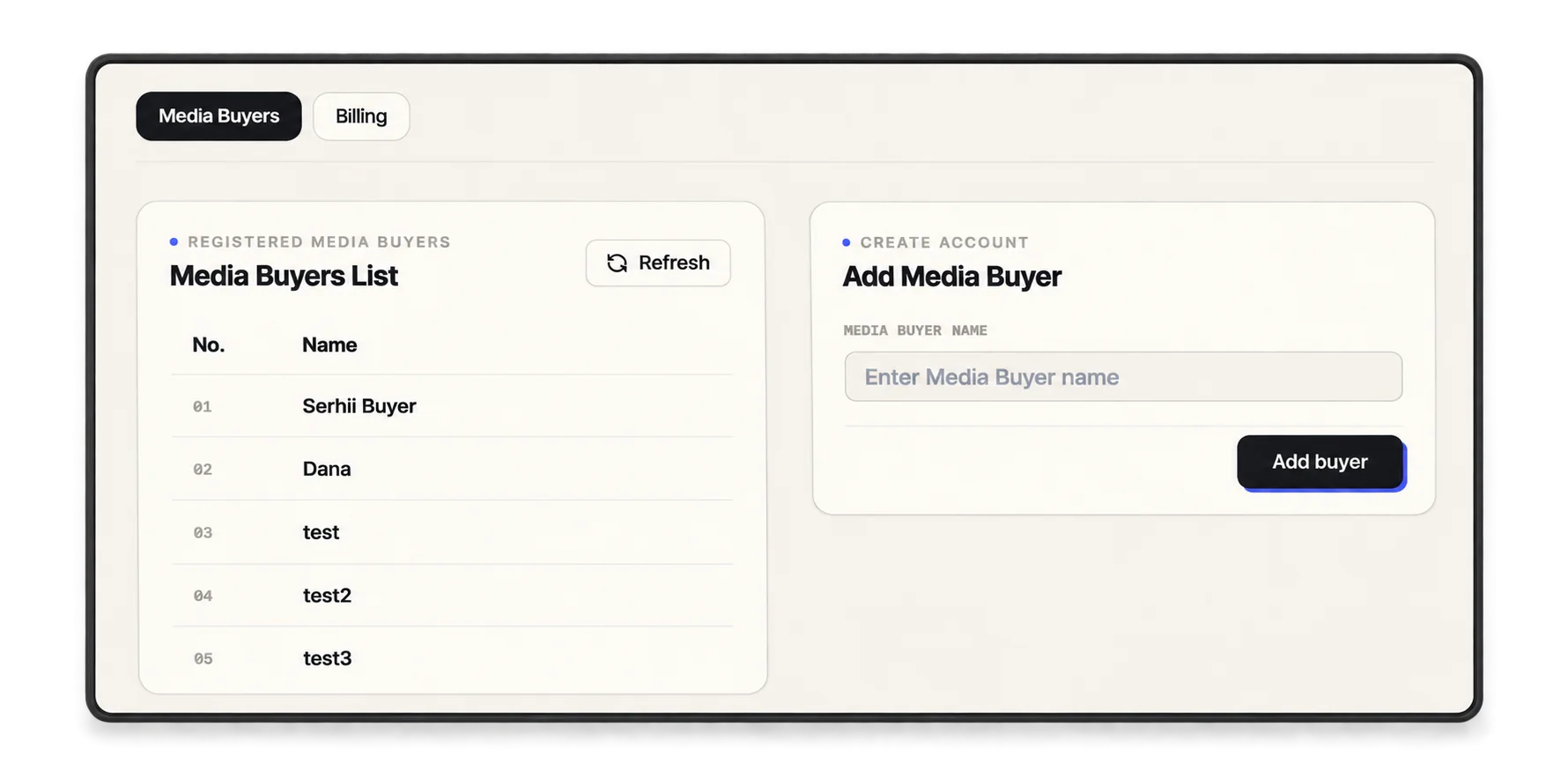
We built workspaces with three roles (Super Admin, Agency Admin, and User) and separated each agency’s data from the others.
- A stable release schedule and a demo environment
- A Meta integration with logging, token handling and automatic retries
- Approval through Meta’s app review
- A bulk ad builder and carousel ads
- Workspaces with Super Admin, Agency Admin and User roles, and separate data for each agency
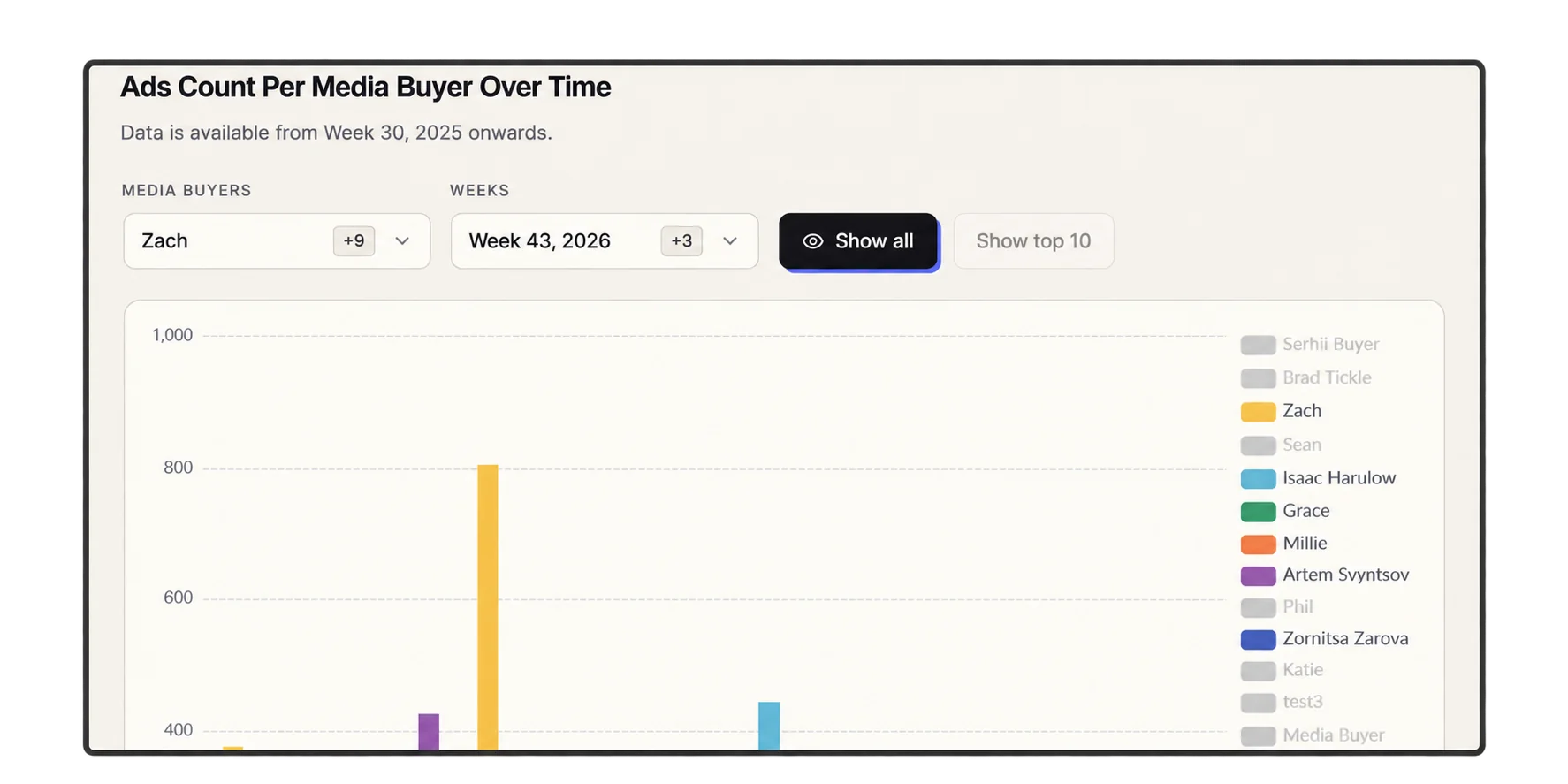
The client moved from irregular deliveries to a stable release schedule within 30 days. The product passed Meta’s review and could be used by agencies. The collaboration led to one new client and two more projects through referrals.
When a product depends on a large platform like Meta, getting a single upload to work is the easy part. The product also needs to show where it hits limits, keep its access valid, retry what fails, pass the platform’s review, and keep each customer’s data separate. That work, not the first successful upload, is what makes a product ready for agencies.
- Product stabilization
- API integration fix (Meta Graph API)
- Release process and demo environment
- Role-based access and data separation
- Post-release support