
Table of Content
- What Is Multiple API Integration?
- Why Product Breaks When You Add More APIs?
- Complex Architecture vs Stable Integration Layer
- Why a Failed API Hits Flows
- What Are API Endpoints?
- What to Check Before Adding API
- How Data Conflicts Between APIs Break Product
- Best Practices for Keeping Your Product Stable
- When You Need Outside Help
Use an API-first approach and keep an eye on API architecture, so your APIs work together, not against each other.
Products break not because APIs are hard to connect, but because each one is added without a shared structure. Pricing goes out of sync, bookings fail silently, and every new integration makes the next release riskier. Here is how to add multiple APIs without breaking what already works.
What Is Multiple API Integration?
Multiple API integration is connecting your product to several external services – payment providers, booking engines, inventory systems, data suppliers – so they work together reliably without manual updates or constant fixes.
One integration is manageable. The problems start at #3 or #4, when there is no shared structure and every new connection starts affecting the ones already running.
Why Your Product Breaks When You Add More APIs
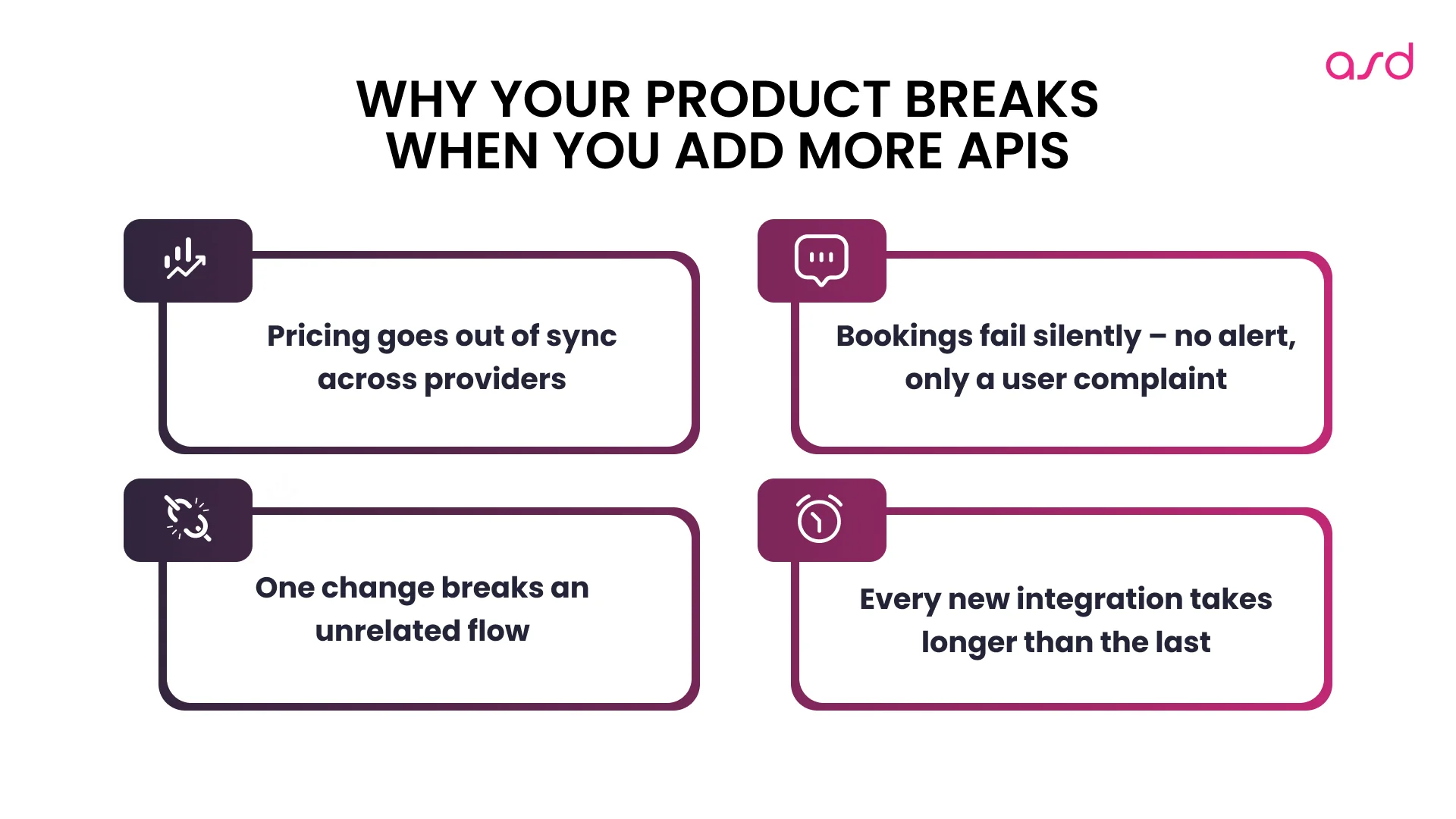
Each API added without a clear structure creates product risk. Not code risk – product risk. Here is what actually breaks:
- Pricing goes out of sync. Availability shows open when it is not. Prices update in one system but not another. Customers see numbers that do not match what they get charged.
- Bookings fail silently. A confirmation is not sent. A reservation is created on your side, but not in the provider’s system. Nobody knows until the customer calls.
- One change breaks something unrelated. You update a payment integration, and suddenly, availability stops syncing. Flows that worked yesterday stop working after a release.
- Releases become unpredictable. Every deployment feels risky because integrations are fragile and nobody is sure what a change will affect.
- Each new API makes everything slower. The 5th integration takes three times longer than the first – because it inherits all the instability that came before it.
Do You Need Complex Architecture – or Just a Stable Integration Layer?
Most articles about multiple APIs jump straight into gateway architecture. For most products at early or mid scale, that is not the real question.
The real question is: does your product have something that protects it when an external API misbehaves?
Without a shared integration layer, every API talks directly to your product. When one fails, the failure spreads. When one changes, multiple parts of your product break. When you add a new one, you are rebuilding the same connections from scratch.
With a shared layer, all external APIs go through one place. Failures are caught before they reach the user. Data is translated into your format before it enters your product logic. A new integration is added in one place – nothing else changes.
| Single integration layer | Multiple API gateways | |
| Setup complexity | Low | High |
| Centralized control | Yes | Partial |
| Best for | Most products | Large-scale, domain-critical separation |
Multiple gateways only make sense when your product is large enough that different flows – payments, bookings, background sync – need to be fully isolated from each other. For most founders, that is not where you are yet.
Integration slowing you down? We review your current API architecture, identify coupling risks, and define the fastest path to a scalable setup.
 Pavlo Boiko
CEO
Pavlo Boiko
CEO
Why a Failed API Hits Some Flows Harder Than Others
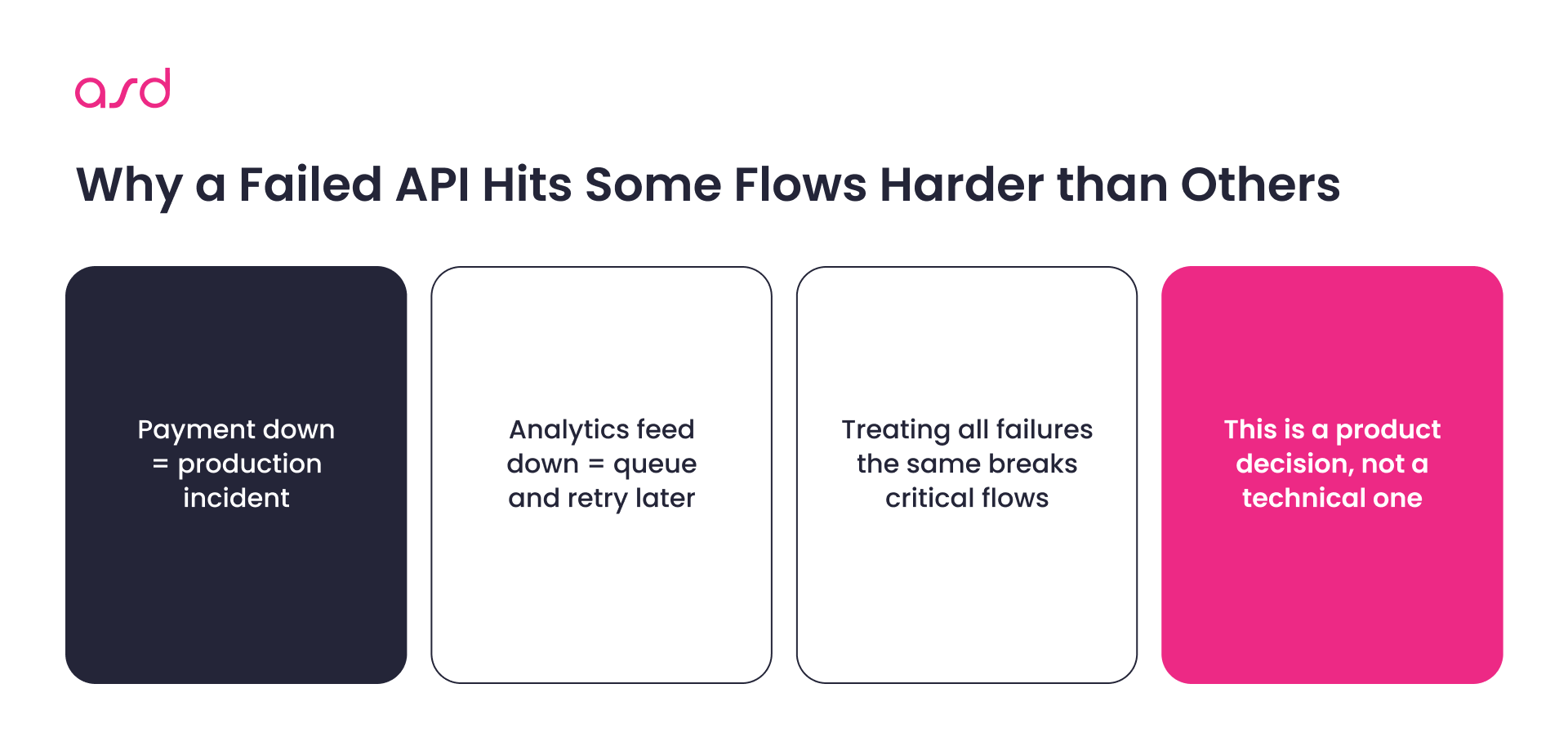
Not all API failures have the same impact on your product. A payment confirmation going down is a production incident. A customer review feed returning stale data is something that can wait.
The problem: most products treat all API failures the same. One approach for everything – from booking confirmation to background analytics. What breaks as a result:
- A booking flow stops completely because a non-critical data call timed out
- A payment status update is lost silently because there is no recovery for that specific failure
- Availability shows incorrectly because a sync failure was not flagged as urgent
- A release goes out with no visibility into which integrations are already under stress
Your product needs to react differently depending on what failed. Booking, payment, and availability flows need immediate alerts and fallback behavior. Background sync and enrichment jobs can recover quietly. This is not a technical decision – it is a product decision about what your users can and cannot tolerate.
Discover more about decoupled architecture, microservices, and monoliths
What Are API Endpoints and Why Do They Matter for Product Stability?
Every API your product connects to exposes endpoints – specific addresses it calls to get or send data. One API can have dozens of them: an endpoint to check availability, one to confirm a booking, one to update pricing, and one to retrieve property details.
The product risk: each endpoint behaves differently. Some return data in milliseconds, others take seconds. Some fail hard with an error, others return an empty response with no indication that something went wrong. Some have strict call limits – exceed them, and your booking flow stops working until the limit resets.
When your product treats all endpoints the same way, small differences create big failures:
- An availability endpoint hits its call limit during peak traffic – search results stop loading
- A booking confirmation endpoint times out silently – the user thinks the booking went through, it didn’t
- A pricing endpoint returns a cached response – customers see outdated rates
Understanding which endpoints your critical flows depend on – and what happens to your product when each one misbehaves – is what separates a stable multi-API product from one that breaks unpredictably. Make sure your team understands it.
Special Offer · Integration Stability Review
$2,500 → Free
Your integrations are live,
but you don't trust them
We diagnose why your integration layer is fragile, what's creating business risk, and what to fix first. You get a clear map and roadmap – not a list of opinions.
5–10 working days
Fixed scope
No commitment
Free integrations stability Audit
Tell us what's breaking.
We'll get back within 1 working day with next steps and a calendar slot.
Request received
Thanks — we've got it.
What to Check Before Adding Another API to Your Product
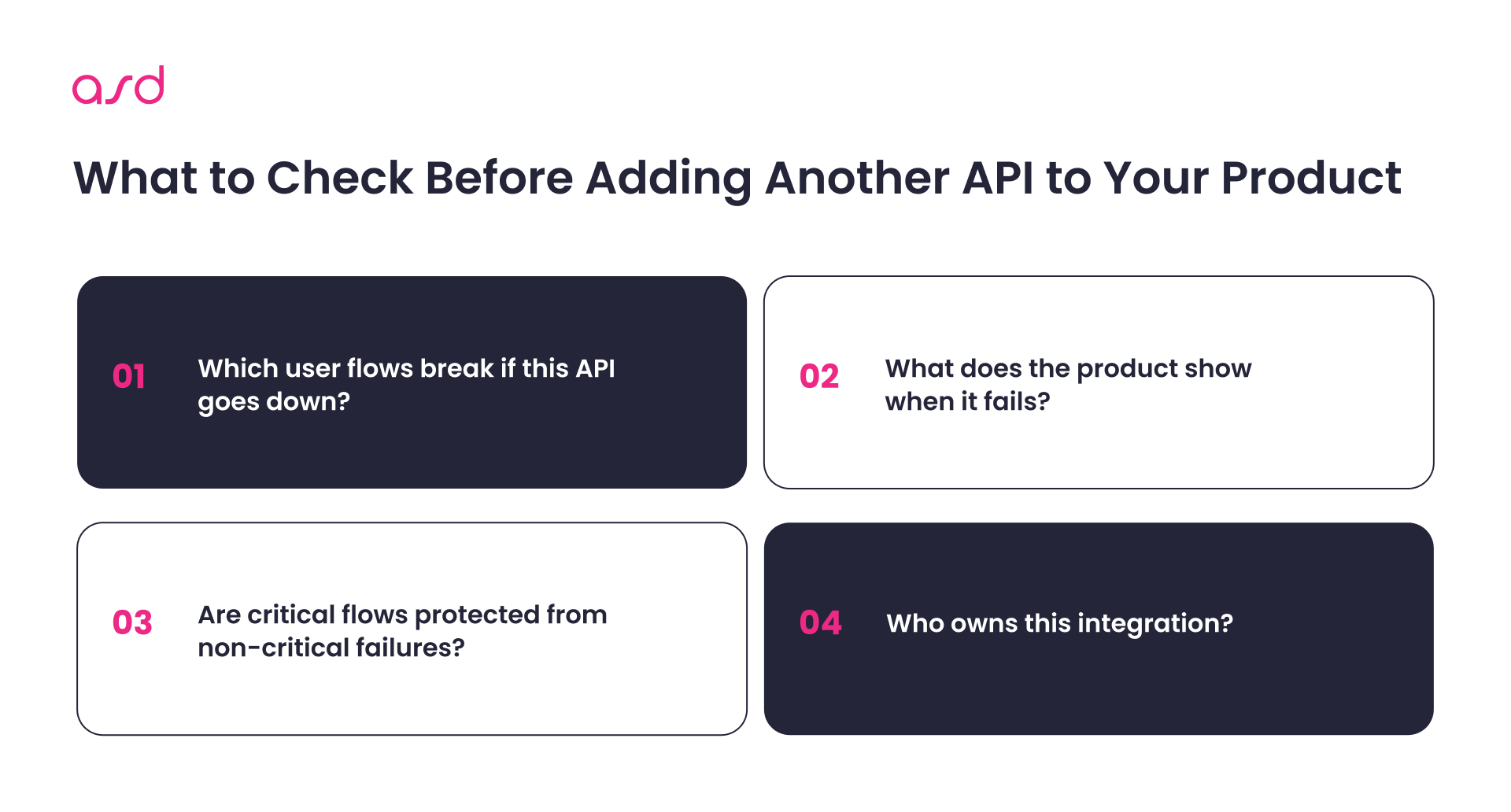
This is not a developer checklist. These are product-level questions every founder should answer before connecting a new API – or before trying to fix instability in the ones already running.
1. Which user flows depend on each integration you already have?
List every API your product uses. For each one: what breaks for the user if it goes down? A booking flow? A payment? Availability display? Admin reporting? Most teams doing this for the first time find integrations with no clear owner and flows with no fallback.
2. What should your product show when an API fails?
This is a product decision, not a technical one. Should the booking flow stop? Should the page show the last known price? Should the user see an error or a loading state? Deciding this in advance – per integration – prevents silent failures and broken user experiences in production.
Travel and Booking APIs: Сonnectivity Landscape

3. Are your critical flows protected from non-critical failures?
If a background data sync fails, should it affect your checkout? It shouldn’t – but without a shared integration layer, it often does. Booking, payment, and availability integrations need different reliability standards than analytics or enrichment jobs.
4. Does your team have one place to see what is failing?
If an integration breaks, how long before someone notices? If the answer is “when a user reports it,” your product has no visibility into its own integrations. Basic monitoring per API – is it responding, is data coming through correctly – is what catches problems before they become incidents.
5. When you add a new API, does it touch existing flows?
If the answer is yes, or “we are not sure,” your integrations are too tightly coupled to your product. A new connection should be addable without risk to what already works.
6. Does pricing, availability, and booking data stay consistent across providers?
When multiple APIs feed the same part of your product, conflicts happen. Availability from one source, pricing from another, booking status from a third – without a unified data format, your product makes decisions based on inconsistent inputs.
7. Who owns each integration? When an API changes, who updates the connection?
If the answer is “whoever is available,” that is a risk. Each integration should have a clear owner and a short record of what it does and what breaks if it fails.
Your Integrations Are Growing. Is Your Product Ready?
Tell us what's slowing you down – we'll review your setup.
Let’s talk
How Data Conflicts Between APIs Break Pricing, Availability, and Bookings
When multiple APIs feed the same product flows, data conflicts are the most common source of silent failures.
A booking platform pulls availability from one provider, pricing from another, and property details from a third. If each integration passes data in its own format, your product makes decisions based on inconsistent inputs – a room shows available when it is not, a price displayed does not match the price charged, a booking exists in one system but not another.
Three things that prevent this:
- Decide what your product’s internal data format looks like before connecting any API
- Every integration translates external data into your format – your product never reads raw API responses directly
- When you switch or upgrade an API, only the translation changes – nothing else in the product is affected
Best Practices for Keeping Your Product Stable as You Add More APIs
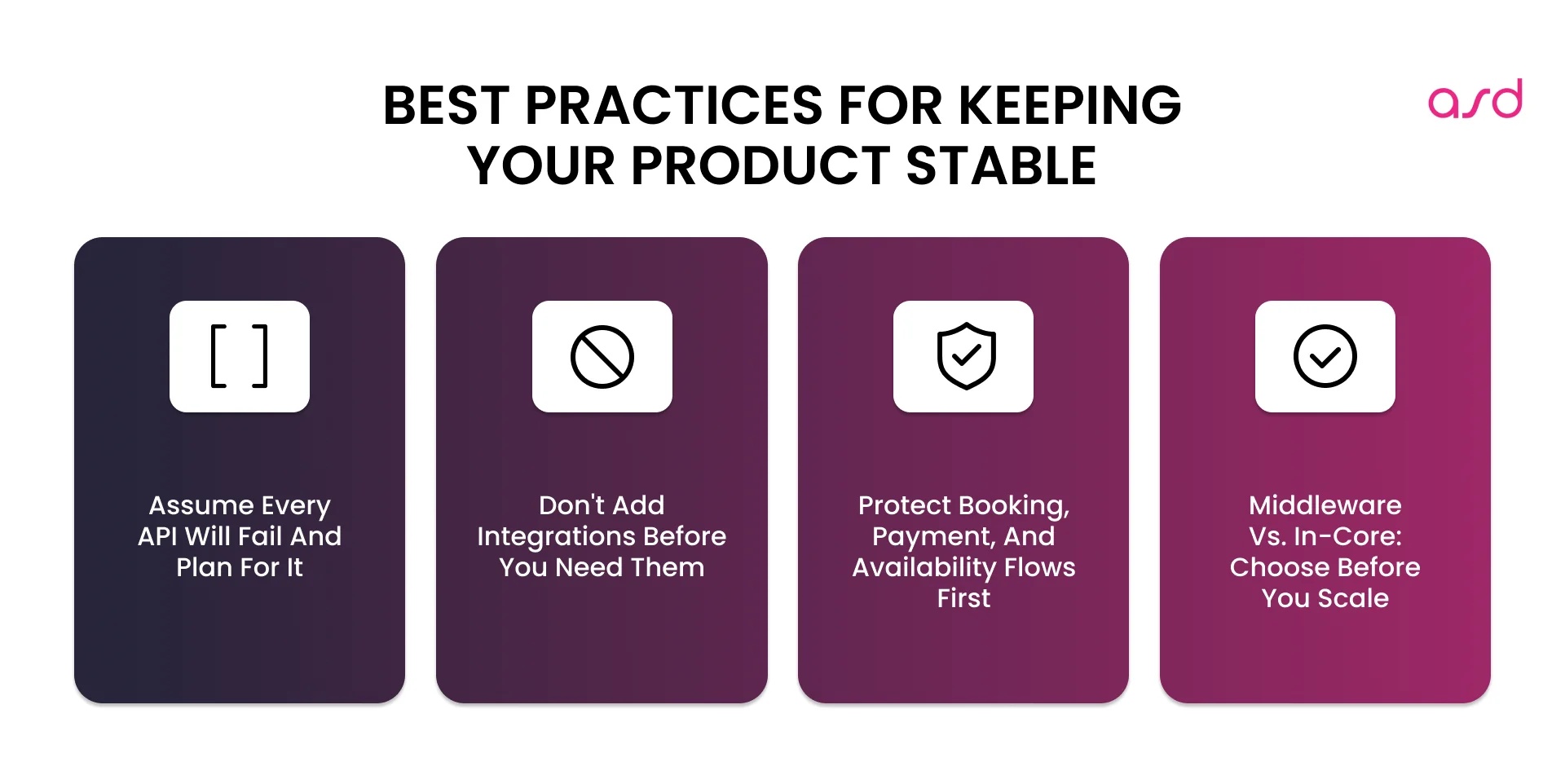
- Assume every API will fail. Decide in advance what happens to your product when each integration goes down. Don’t leave it to be figured out during an incident.
- Don’t add integrations before you need them. Every API connection adds maintenance overhead and increases the surface area for failures. Only connect what solves a current, specific product problem.
- Check your integrations regularly. APIs deprecate endpoints, change rate limits, and update authentication without warning. Catching this proactively is far cheaper than debugging a broken booking flow in production.
- Protect your critical flows first. Booking, payment, and availability integrations need explicit failure handling. Background sync and analytics do not need the same standards – but they need to be clearly separated.
- Choose the right integration approach before you scale. Middleware vs. in-core integrations is the decision that determines how painful your next five integrations will be. Middleware centralizes logic and protects your product from external API changes. In-core is faster to start, but compounds in complexity with every new connection.
When Your Product’s API Problems Need Outside Help
If your team is spending more time fixing integration failures than building product, the structure needs attention – not more developer hours on individual bugs.
Signs your product has hit the wall:
- Each new API takes more than a week to add and creates new instability elsewhere
- A bug in one integration regularly affects booking flows, pricing, or availability in another
- Nobody knows which integrations are critical and which can safely fail
- Releases keep breaking things that worked before
At this point, a structured review of how your integrations are built is faster than continuing to patch individual connections.
ASD Team is a software development company specializing in API integration architecture for travel, hospitality, and marketplace products. We help teams stabilize existing integrations and build layers that scale – without breaking what already works, and we can offer you a free project estimation, so you will know what exactly to expect.
Do I need multiple API gateways, or is one integration layer enough?
One well-structured integration layer is enough for most products. Multiple gateways make sense when your product is large enough that payment flows, booking flows, and background sync need to be fully isolated from each other. Most founders are not there yet.
Why does a failure in one API break completely unrelated flows?
Because the integrations are coupled directly to your product logic. When one fails, the failure spreads. A shared integration layer isolates failures – a payment API going down does not affect availability sync, and a sync failure does not stop the checkout flow.
Why does every new API integration take longer than the last?
Because each one is built differently and inherits the instability of the ones before it. No shared data format, no consistent failure handling, no standard patterns. A shared integration layer built at integration #3 – not #10 – is what stops this from compounding.
How do I stop APIs from breaking my product’s pricing and availability?
Define your product’s internal data format first. Every API maps its data to your format before it enters your product. When two APIs return conflicting availability or pricing, your product has one source of truth – not two systems fighting each other.
What is the best way to manage multiple API integrations?
Build one shared layer that all external APIs go through. This is where data gets translated, failures get caught, and retries are handled – before any of it reaches your product logic. Each new integration plugs into this layer instead of being built from scratch.
Show more


Related Articles:
API-First Approach: Why Your Integrations Keep Breaking (And How to Fix the Foundation)
11 mins
•
09 May 2026

AI Architecture Requirements for Travel Software
8 mins
•
18 Feb 2026

Generative AI in Travel Tech: 5 Proven Use Cases We Delivered
11 mins
•
02 May 2025

API Integration Best Practices: Processes and Approaches
19 mins
•
24 Apr 2025
We use cookies to personalize our services and improve your experience on this website. We may use certain personal data for analytics and marketing purposes.
Let’s Talk
Fill out the form to schedule a 30-minute call, where we’ll discuss your project requirements and explore the best solutions for your needs.
Free Consultation